The Real Difference Between Cloud vs On Premises (And Why It Matters for Your Business)
Cloud vs on premises is one of the most important infrastructure decisions your business will face. Here’s a quick breakdown:
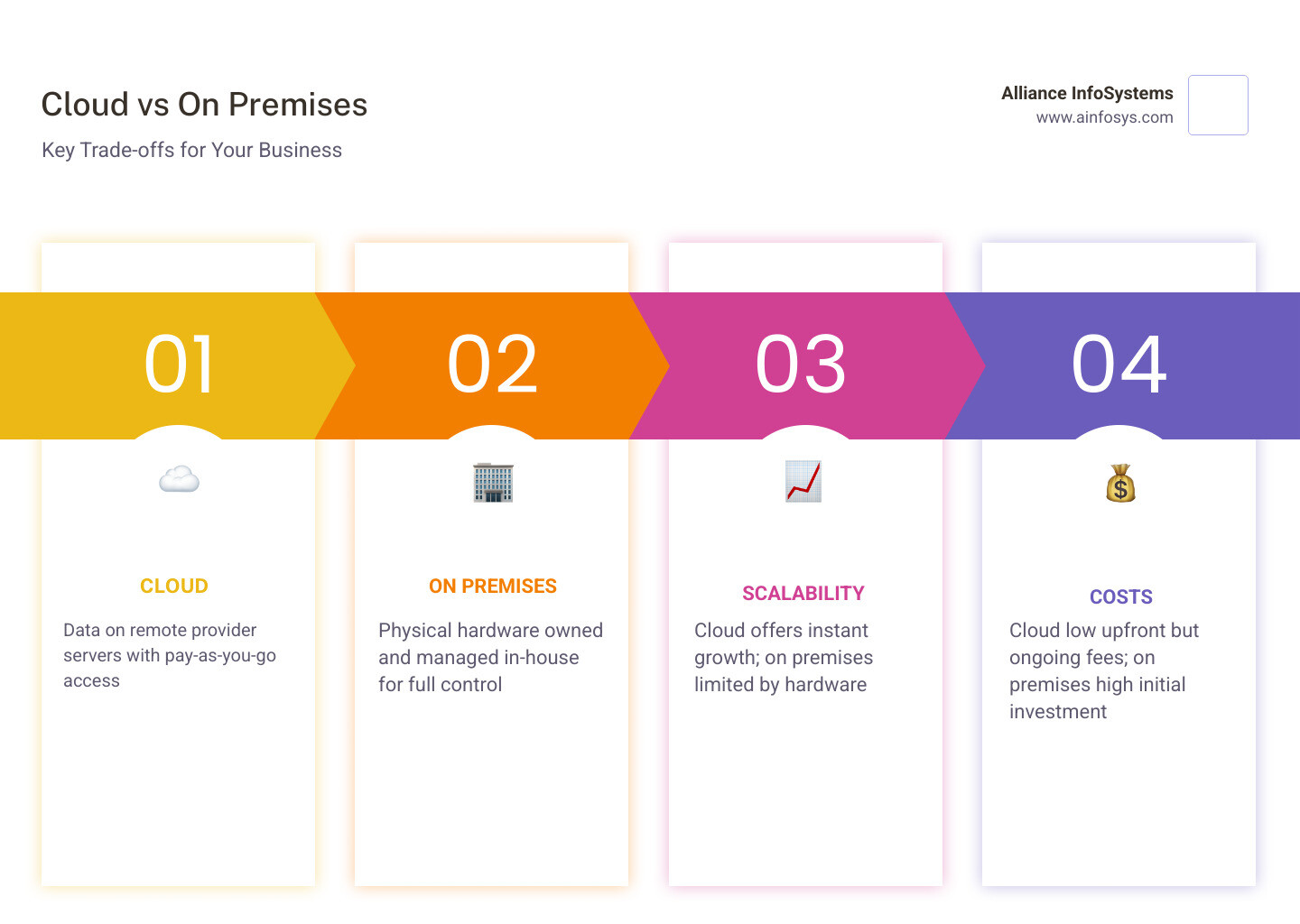
| Cloud | On Premises | |
|---|---|---|
| Where data lives | Provider’s remote servers | Your physical hardware on-site |
| Who manages it | Third-party provider | Your internal IT team |
| Upfront cost | Low (pay-as-you-go) | High (hardware purchase) |
| Scalability | Easy, near-instant | Limited by hardware capacity |
| Control | Shared with provider | Full control |
| Best for | Small teams, fluctuating workloads | Regulated industries, large stable data |
The core idea is simple: cloud stores your data and runs your software on someone else’s servers, accessed via the internet. On premises means your servers and software live inside your own building, managed by your own team.
Neither option is universally better. The right choice depends on your budget, your data sensitivity, your team size, and how fast you need to grow.
More than 96% of companies now use some form of cloud services — but that doesn’t mean on premises is dead. Many businesses, especially in finance, healthcare, and government, still keep critical systems local for good reasons.
This guide walks you through both options clearly, so you can make a confident decision — or figure out whether a mix of both makes the most sense.
I’m Sara Szot, President of Alliance InfoSystems, and I’ve spent my career helping small and medium-sized businesses navigate exactly this kind of IT decision, including the cloud vs on premises trade-offs that can make or break operational efficiency. Let’s break it down in plain language so you can move forward with clarity.
What is the Difference Between Cloud vs On Premises?
To understand the debate of cloud vs on premises, we first have to look at where the “engine” of your business actually sits.
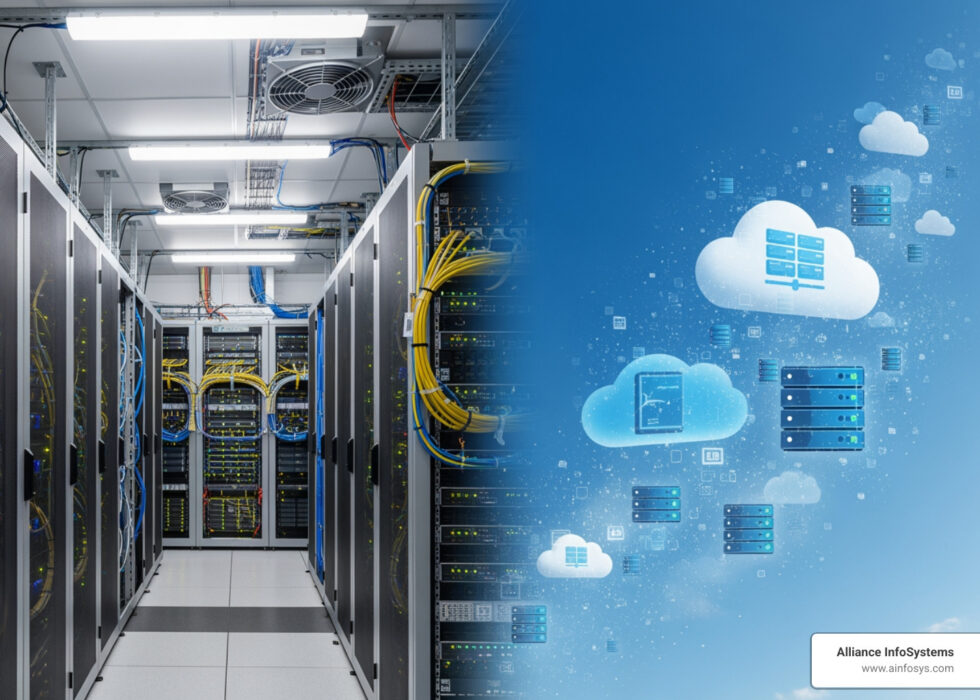
In an on-premises setup, your company owns the physical hardware. This means servers, cooling systems, and cables are located within your office or a private data center. Your internal IT team is responsible for everything: buying the racks, installing the software, and fixing the hardware when a fan dies or a hard drive fails. It’s like owning a house; you have total control over the renovations, but when the roof leaks, you’re the one calling the repairman (or climbing up there yourself). You can find an on-premises infrastructure guide to dive deeper into these local requirements.
On the flip side, cloud computing involves renting resources from third-party providers. Instead of buying a server, you access software and storage via a web browser or a specialized application. The physical hardware lives in massive, high-security data centers managed by companies like Amazon Web Services. This is more like renting a high-end apartment; you pay a monthly fee, and the landlord handles the maintenance, security, and upgrades.

One of the biggest shifts in recent years is the rise of Software-as-a-Service (SaaS). Instead of buying a disk and installing a program on your local server, you simply log in to a website. This has fundamentally changed how we think about cloud vs on premises because it removes the need for local installation entirely. For a more detailed look at these mechanics, check out this info about cloud vs local servers.
Comparing Costs: CapEx vs. OpEx and TCO
When we talk about money in IT, we use two fancy terms: CapEx (Capital Expenditure) and OpEx (Operating Expenditure). Understanding these is vital for calculating your Total Cost of Ownership (TCO).
| Cost Factor | On Premises (CapEx Heavy) | Cloud (OpEx Heavy) |
|---|---|---|
| Upfront Investment | Very High (Servers, networking, space) | Near Zero (Sign-up fees) |
| Monthly Billing | Low/Stable (Electricity, cooling) | Variable (Pay-for-what-you-use) |
| Maintenance | High (Internal staff labor) | Included in subscription |
| Hardware Lifecycle | 3-5 years (then you buy again) | Managed by provider |
On-premises solutions require a massive upfront check. You aren’t just buying a server; you’re buying the rack it sits in, the backup batteries (UPS), and the insurance to cover it. You also have to consider the “hidden” costs like energy consumption—those servers need to stay cool 24/7, which can spike your utility bills.
Cloud computing flips this. It’s a subscription model. You pay for the “seat” or the amount of data you use. For small organizations with less than 30GB of data, cloud costs are often described as “next to nothing” compared to the thousands of dollars required to set up a local server.
However, there is a “tipping point.” Research suggests that while cloud is cheaper for most, once your data reaches hundreds of terabytes or you have very intensive, steady workloads, on-premises can actually become more economical over the long term. You can read more about these cloud server pros and cons to see where your business might fall on the spectrum.
Security, Control, and Compliance
The “control” factor is usually why organizations stick with on-premises. When the data is on your hardware, in your building, you have physical access control. You decide exactly who touches the machine and what firewalls are in place.
For industries with strict regulatory requirements—like healthcare (HIPAA) or finance—data residency is a big deal. Some laws require that citizen data stay within national borders. On-premises makes this easy to prove. You can even implement Smart DLP (Data Loss Prevention) with granular internal controls tailored specifically to your workflow.
Cloud security operates on a shared responsibility model. The provider (like AWS or Microsoft) secures the “house” (the data center and the hardware), but you are responsible for securing the “furniture” (your data, your passwords, and who you give access to).
Interestingly, 94% of businesses report improved security after moving to the cloud. This is because giant cloud providers have multi-billion dollar security budgets that small businesses simply can’t match. However, the risk of misconfiguration is real; one badly configured cloud service can cost a company significantly in both data loss and unexpected fees. To learn how to stay safe, explore our guide on cloud virtualization and security.
Strategic Deployment: Scalability and Performance
When to Choose Cloud vs On Premises for Small Teams
For startups and small teams in Maryland, the cloud is often a no-brainer. Why? Agility.
If your business suddenly doubles in size, a cloud-based system allows you to add new users or more storage with three clicks of a mouse. This is known as rapid provisioning. In an on-premises world, doubling your capacity might mean ordering new servers, waiting weeks for delivery, and spending days on installation.
For organizations with minimal IT staff, the cloud removes the “headache” of maintenance. You don’t need a full-time hardware expert to swap out failing drives at 2 AM. If you’re wondering how the “magic” happens behind the scenes, we have a breakdown of how cloud computing works for non-techies.
Performance and Latency in Cloud vs On Premises
Performance is where on-premises sometimes takes the lead. If you are a manufacturing firm in Maryland using robotic arms on a production line, those robots need to “talk” to the server in milliseconds. This is called low-latency.
When your server is in the same building, connected by high-speed local cables, the speed is unmatched. In the cloud, your data has to travel over the internet to a data center that might be three states away. For most office work (email, spreadsheets), you won’t notice the difference. But for high-speed trading or real-time industrial automation, that delay matters.
This is where the benefits of hybrid cloud servers come in. You can keep the speed-sensitive stuff local and put everything else in the cloud.
How to Migrate Securely to the Cloud
If you’ve decided that the cloud is the right move, you can’t just “flip a switch.” A secure migration requires a roadmap.
- The Audit: Look at what you have. What data is sensitive? What can be moved easily?
- Data Preparation: Clean up your files. Don’t migrate “junk” data that you don’t need.
- The Pilot: Don’t move everything at once. Start with a non-critical system to test the waters.
- Encryption: Ensure your data is encrypted both while it’s moving and once it arrives at its new home.
- Governance: Set up strict rules about who can create new cloud services to avoid “bill shock.”
Modern migrations often use “containers,” which are like digital shipping crates that make moving software much easier. You can learn about the evolution of cloud containers to see how this technology has simplified the process. It’s also helpful to understand the cloud vs virtualization differences so you know exactly what you’re paying for.
Frequently Asked Questions about Infrastructure
What is a hybrid cloud model and when is it used?
A hybrid cloud is the “best of both worlds” approach. It connects your on-premises servers to a public cloud. This is perfect for businesses that have sensitive data they must keep local for legal reasons, but still want to use the cloud’s massive computing power for things like AI or big data analytics. It provides incredible workload flexibility.
Is cloud always cheaper than on-premises?
Not necessarily. While the upfront cost is lower, “data egress fees” (the cost of moving data out of the cloud) can add up. Also, if you leave powerful cloud servers running 24/7 when you don’t need them, you are essentially wasting money. For very large companies with predictable, massive data needs, owning the hardware (on-premises) can eventually become cheaper than “renting” it forever.
What are the risks of misconfigured cloud services?
This is the “boogeyman” of the cloud world. If an employee accidentally leaves a cloud database “open” to the public internet, it can lead to a massive data breach. Additionally, without proper “governance” or alerts, a developer might accidentally run a process that costs $100,000 in a single day. This is why working with an experienced IT partner is so important.
Conclusion
Choosing between cloud vs on premises isn’t a one-time “set it and forget it” task. As your business grows, your needs will change. You might start 100% in the cloud for the low cost and agility, but eventually move some critical systems back on-site as you scale.
At Alliance InfoSystems, we’ve spent over 20 years helping Maryland businesses navigate these complex waters. We don’t believe in a one-size-fits-all answer. Whether you need a full cloud migration, a robust on-premises refresh, or a flexible hybrid model, our goal is to provide cost-efficient, customized solutions that let you focus on your business, not your servers.
Ready to find the perfect fit for your team? Optimize your business with our cloud and virtualization services and let’s build an infrastructure that actually supports your goals.