
Why File Server Backup is Your Business’s Lifeline
File server backup is the process of creating copies of your server’s data and storing them separately to protect against data loss from hardware failures, cyberattacks, human error, or natural disasters.
Quick File Server Backup Guide:
- What it protects: Business files, databases, applications, and system configurations
- Main backup types: Full (complete copy), Incremental (changes only), Differential (changes since last full)
- Where to store: Local drives, cloud storage, or hybrid approach
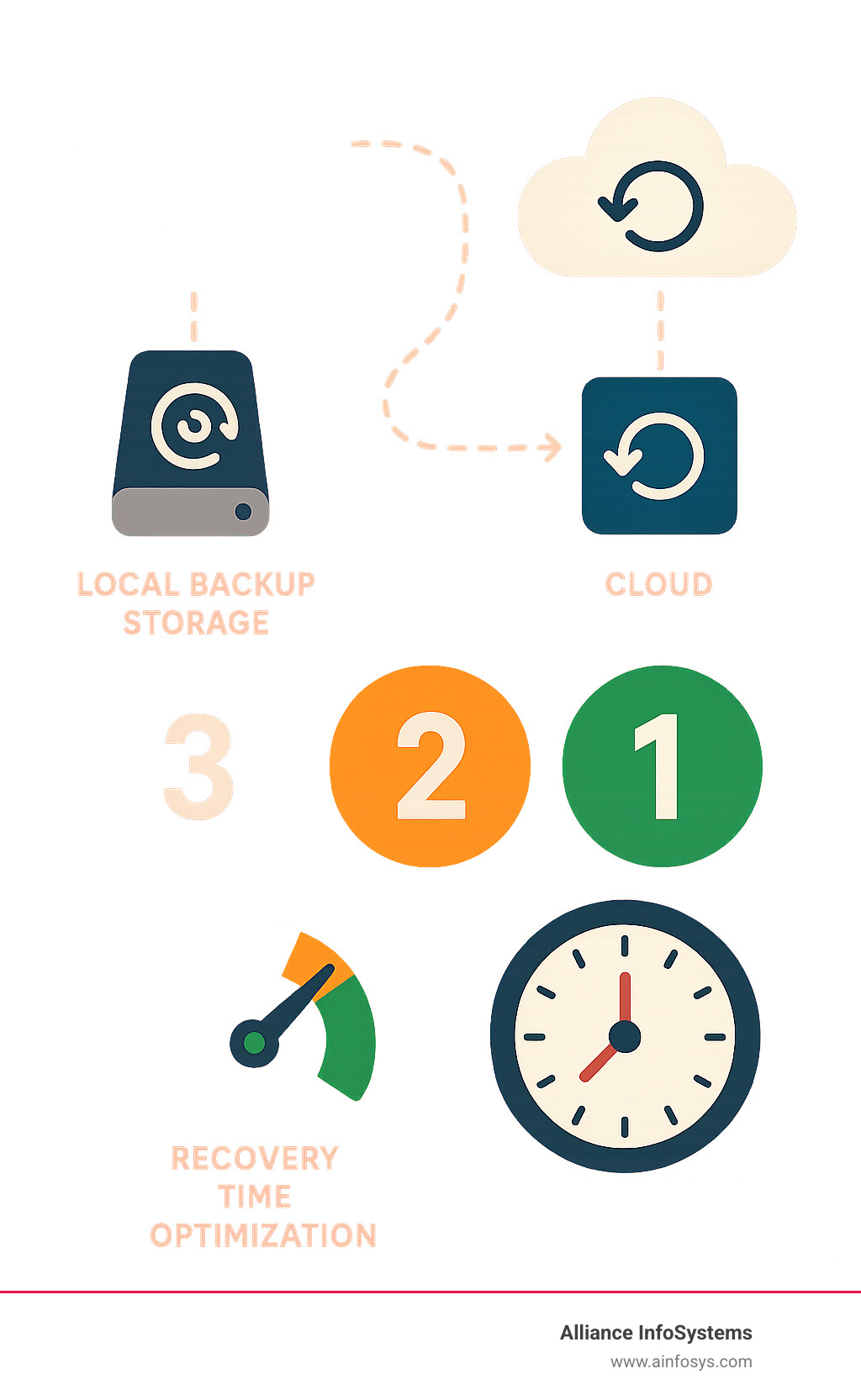
- Best practice: Follow the 3-2-1 rule (3 copies, 2 different media, 1 offsite)
- How often: Daily for critical data, weekly for less important files
Data is your most valuable asset, but it’s constantly at risk. Research shows that 60% of data backups are not fully successful, and half of recovery attempts fail. This can lead to an average of 79 minutes of downtime, costing roughly $84,650 per hour.
The threats are real and growing. Hardware fails, employees make mistakes, and disasters strike. Furthermore, modern ransomware attacks are more sophisticated than ever; according to the Sophos 2023 Ransomware Report, in 30% of attacks where data was encrypted, it was also stolen. Without a solid backup plan, any of these events could shut down your business permanently.
A well-designed file server backup strategy is your business’s insurance policy. It ensures you can quickly recover from disasters, maintain operations, and protect your reputation. The right backup approach keeps your doors open when others might close forever.
The Real Cost of Not Having a Backup
Data loss can be catastrophic. The immediate impact is financial; every hour of downtime can cost a business nearly $85,000 in lost revenue, productivity, and recovery efforts. Beyond the financial hit, reputational damage can be severe, causing customers to lose trust and take their business elsewhere. Operationally, your business can grind to a halt without access to critical files and systems.
Furthermore, failing to protect data can lead to hefty legal penalties under regulations like HIPAA, GDPR, and SOX. Non-compliance can result in massive fines and a damaged corporate image. For more insights, explore these 4 Important Disaster Recovery Statistics and Why They Matter.
How Backups Fuel Disaster Recovery
While file server backup is about copying data, disaster recovery (DR) is the plan for getting your business back on its feet after a disruption. Backups are the foundation of any effective DR plan.
Two critical metrics guide DR planning:
- Recovery Time Objective (RTO): The maximum acceptable downtime after a disaster. How quickly do you need to be running again?
- Recovery Point Objective (RPO): The maximum acceptable amount of data loss measured in time. How much data can you afford to lose?
A robust file server backup strategy directly influences both RTO and RPO. Frequent backups lead to lower RPOs (less data loss), and efficient recovery processes lead to lower RTOs (quicker recovery). This ensures business resilience, allowing your operations to withstand and recover from adverse events with minimal disruption. Understanding and implementing a comprehensive Disaster Recovery / Business Continuity Plan is essential for any modern business.
Choosing Your Weapon: Types of File Server Backups Explained
Not all file server backup methods are the same. Each type offers unique advantages in storage efficiency, restore speed, and data granularity. Understanding these differences is key to building an effective backup strategy.
Full Backup: The Foundation
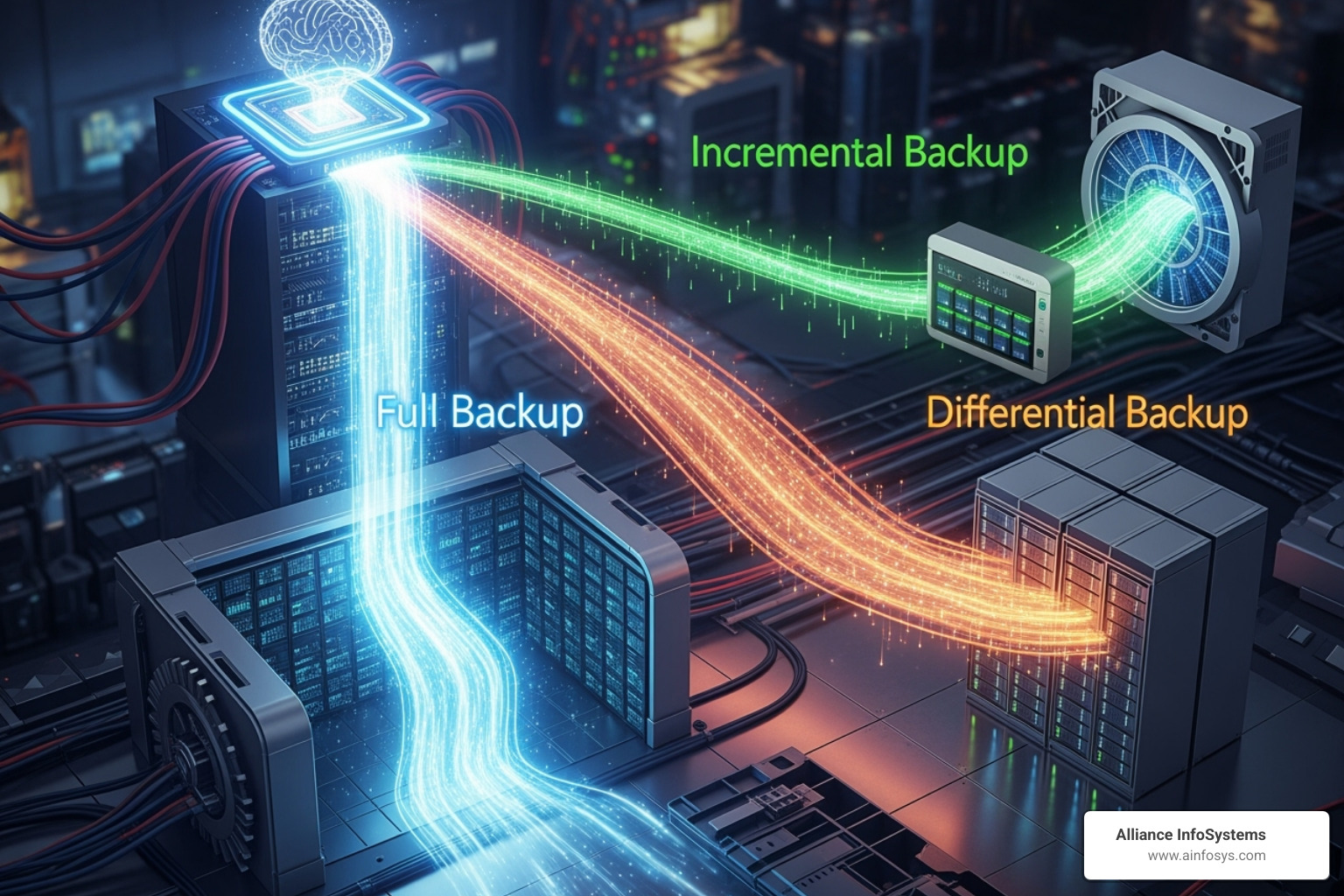
A full backup is a complete copy of everything on your file server, including all files, folders, and system settings.
Pro: It offers the fastest restore time since everything is in one package.
Con: Full backups demand the most storage space and are the slowest backup process, as they duplicate all data every time. They are often used as an initial baseline.
Incremental Backup: The Smart Saver
An incremental backup only copies data that has changed since the last backup of any type (full or incremental).
Pro: They are very fast and use minimal storage, making them highly efficient.
Con: Restoring requires the last full backup plus every subsequent incremental backup in order. This makes the restore process complex and the slowest of all types.
Differential Backup: The Middle Ground
A differential backup copies all data that has changed since the last full backup.
Pro: The restore process is simpler and faster than incremental backups, requiring only the last full backup and the latest differential backup.
Con: They use more storage over time than incremental backups but less than full backups.
Image-Based Backup: The All-in-One Clone
An image-based backup captures a complete snapshot of your entire server’s hard drive, including the operating system, applications, and settings, into a single file.
Its main advantage is enabling a bare-metal restore, allowing you to restore the entire system to new hardware without reinstalling everything. This is a game-changer for disaster recovery, as it drastically reduces your Recovery Time Objective (RTO). Modern solutions use deduplication and compression to manage the large file sizes. For more on this, check out Data Recovery 101: What to Do When Disaster Strikes.
Here’s a quick comparison of these main file server backup types:
| Backup Type | Backup Speed | Storage Use | Restore Speed |
|---|---|---|---|
| Full | Slowest | Highest | Fastest |
| Incremental | Fastest | Lowest | Slowest |
| Differential | Medium | Medium | Faster |
The 3-2-1 Rule and Other Best Practices for Your File Server Backup Strategy
An effective file server backup plan relies on proven best practices. The most fundamental of these is the 3-2-1 backup rule, a simple yet powerful framework for data redundancy.
The 3-2-1 rule states you should have:
- 3 copies of your data: Your primary data plus two backups.
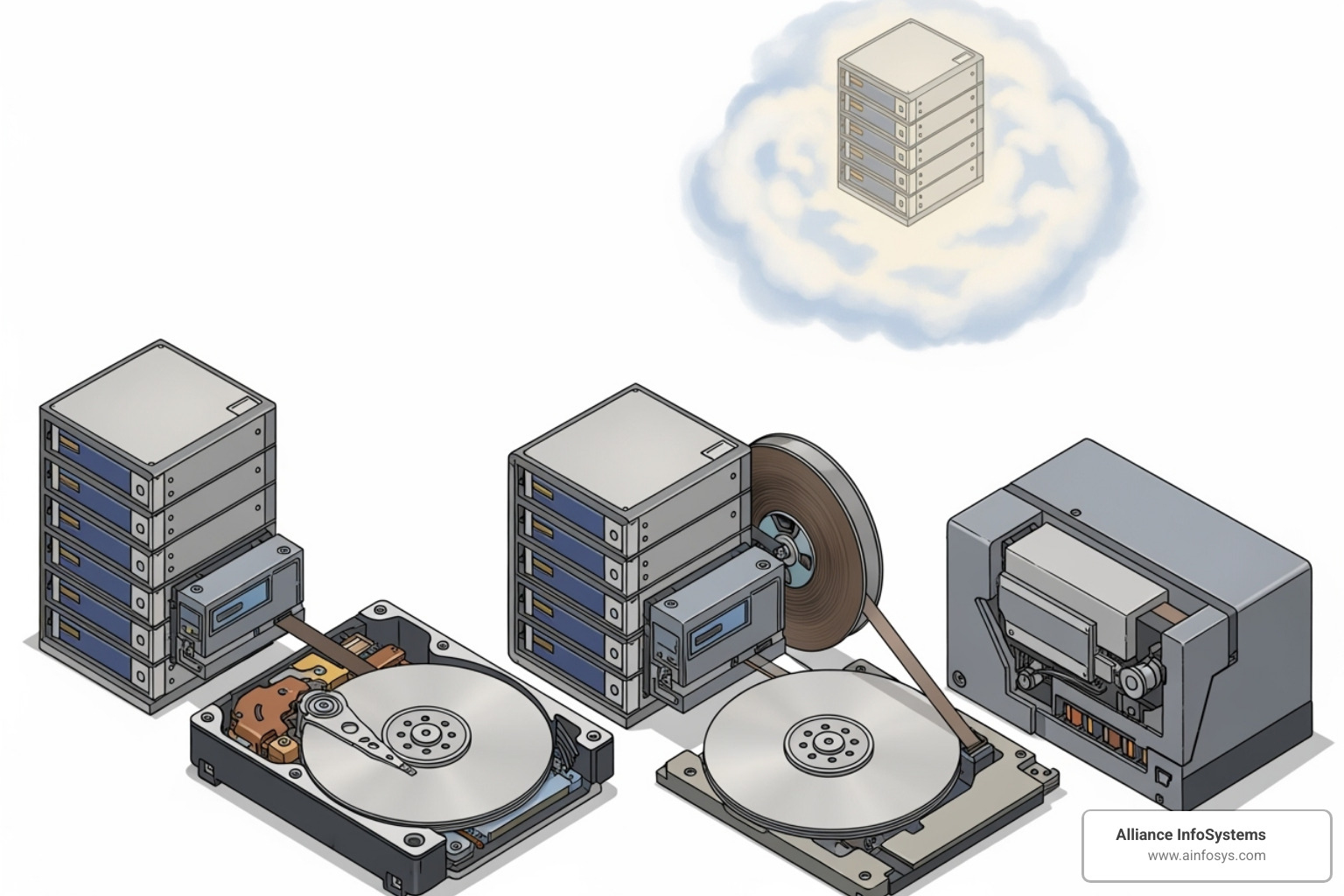
- 2 different media types: Store copies on at least two different storage types (e.g., NAS, cloud) to protect against media failure.
- 1 copy offsite: Keep at least one copy in a separate geographic location to protect against local disasters like fire or flood.
Beyond the 3-2-1 rule, automation, regular testing, and clear documentation are vital for a reliable strategy. For a deeper dive, refer to Best Practices for Server Backup and Data Protection.
How to Implement a File Server Backup Schedule
A well-planned schedule is the heartbeat of your backup strategy.
- Identify Critical Data: Categorize data based on its importance to business operations.
- Determine Backup Frequency: Align frequency with your Recovery Point Objective (RPO). Mission-critical data may need hourly backups, while less dynamic data might only need weekly backups.
- Automate Jobs: Use backup software to automate the process, reducing human error and ensuring consistency. Schedule jobs for off-peak hours to minimize performance impact.
- Monitor Logs: Regularly check backup logs and alerts to confirm jobs are successful and to address any failures promptly.
- Set Retention Policies: Define how long backups are kept based on regulatory requirements (like HIPAA) and business needs for historical data.
The Importance of Testing Your Backups
A backup is useless if it can’t be restored. Regular testing is a critical,, step. It’s like a fire drill for your data.
Testing verifies that:
- Data can be restored successfully and is usable.
- Backup files are not corrupted (data integrity).
- Your recovery process works and your Recovery Time Objective (RTO) is achievable.
Without testing, you are only hoping your backups work. We recommend performing full restore tests quarterly, especially after significant system changes.
Where to Store Your Treasure: Local, Cloud, and Hybrid Backup Destinations
Choosing where to store your backups impacts accessibility, security, scalability, and cost. The main options are local, cloud, or a hybrid approach.
Local Backup: Fast and Accessible
Local backups store data on-site using devices like Network Attached Storage (NAS), external hard drives, or tape drives.
Pros:
- Speed: Fastest backup and restore times as they don’t rely on internet bandwidth.
- Control: You have direct physical control over your data and hardware.
Cons:
- Vulnerability: Susceptible to local disasters (fire, flood, theft) that can destroy both primary data and backups.
- Scalability: Requires purchasing new hardware to expand storage.
Cloud Backup: Secure and Offsite
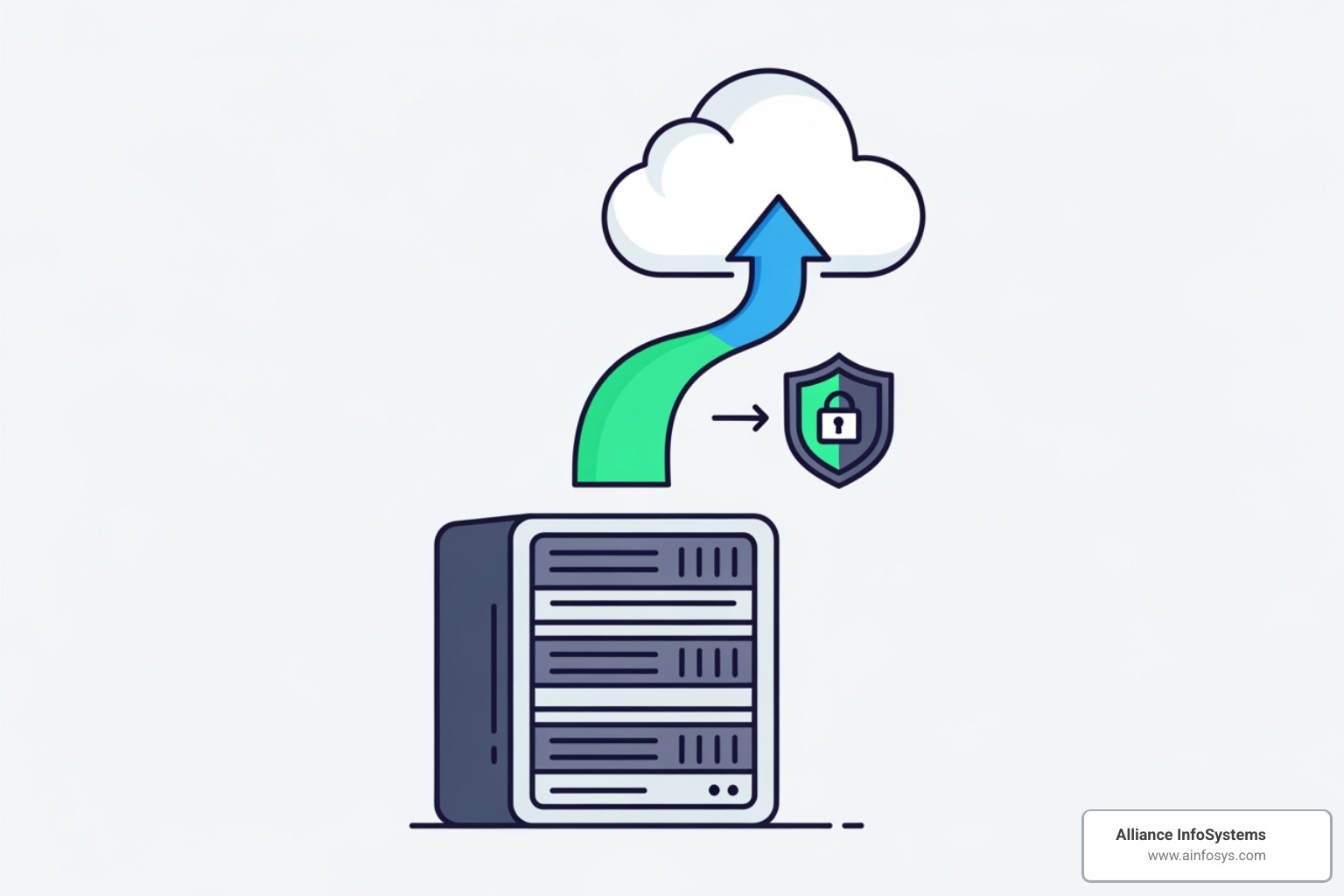
Cloud backup sends your file server backup data over the internet to a remote data center.
Pros:
- Offsite Protection: Automatically fulfills the “1 copy offsite” rule, protecting data from local disasters.
- Scalability: Easily increase or decrease storage capacity on a pay-as-you-go basis.
- Accessibility: Access and restore data from anywhere with an internet connection.
Cons:
- Bandwidth Dependent: Backup and restore speeds are limited by your internet connection.
- Long-Term Costs: Can become expensive for very large data volumes over time.
For more on this, check out our insights on Cloud Computing.
Hybrid Backup: The Best of Both Worlds
A hybrid file server backup strategy combines local and cloud backups, storing data on-site for fast recovery and replicating it to the cloud for disaster recovery.
Pros:
- Local Speed, Cloud Security: Get fast RTOs for common issues from local backups, plus robust offsite protection from the cloud.
- Data Redundancy: Significantly increases data resilience with copies in multiple locations on different media.
- Flexibility: Allows for tiered recovery, restoring critical data quickly from local copies and less urgent data from the cloud.
This approach is often the preferred solution for businesses that need both speed and ultimate data safety. For a deeper dive, read about Professional Data Backup Solutions Essential for Business.
Securing the Vault: Advanced Considerations for Your Backups
A file server backup plan is incomplete without robust security. In an era of evolving cyber threats like ransomware, an unprotected backup is nearly as risky as no backup at all. Data protection, cybersecurity, and regulatory compliance are all critical for safeguarding your business data.
Key Security Measures for Your Backups
Protecting your backup data requires a multi-layered defense:
- Encryption: Data must be encrypted both in-transit (as it travels to its destination) and at-rest (while stored). Strong encryption, like 256-bit AES, prevents unauthorized access.
- Access Controls: Implement strong authentication, such as multi-factor authentication (MFA), and the principle of least privilege to ensure only authorized personnel can access backup data.
- Immutable Backups: Immutability makes backups unchangeable. Once written, a backup cannot be altered, encrypted, or deleted for a set period, providing a powerful defense against ransomware.
- Ransomware Protection: Look for solutions with built-in features that detect suspicious activity and support “air-gapped” backups, which are physically or logically isolated from the live network.
Key Features to Look for in File Server Backup Software
The right software makes your file server backup strategy reliable and efficient. Key features include:
- Automation: Schedule and run backups automatically to ensure consistency and save time.
- Reporting and Alerts: Receive clear reports and immediate alerts on backup job status to quickly address any failures.
- Deduplication and Compression: Reduce storage requirements and speed up data transfers by removing duplicate data and making files smaller.
- VSS Support: For Windows servers, Volume Shadow Copy Service (VSS) support allows for consistent backups of files and applications while they are in use.
- Centralized Management: Manage all backup jobs, check statuses, and perform restores from a single console, which is essential for multi-server environments.
Ensuring Compliance with Data Regulations
Your file server backup strategy is crucial for meeting legal obligations. Regulations like HIPAA, GDPR, and SOX have strict rules for data protection.
These regulations often dictate:
- Data Retention Policies: How long specific data must be kept.
- Data Accessibility: The ability to quickly retrieve data for audits.
- Data Security: Requirements for strong encryption and access controls.
- Disaster Recovery: Proof that you can restore data quickly after an incident.
We help clients design backup solutions that not only protect their data but also meet these critical industry-specific regulations, helping them avoid hefty fines and protect their reputation.
Frequently Asked Questions about File Server Backup
Here are answers to some of the most common questions we receive about file server backup.
How often should I back up my file server?
The ideal frequency for a file server backup depends on two factors:
- How often your data changes: Highly dynamic data, like a sales database, may require continuous or hourly backups.
- Your tolerance for data loss (RPO): Your Recovery Point Objective defines the maximum amount of data you can afford to lose. If losing an hour of work is unacceptable, you need at least hourly backups. For less critical files, daily or weekly backups might suffice.
It’s a balance between the risk of data loss and the resources required for frequent backups.
What is the difference between backup and disaster recovery?
This is a crucial distinction:
- Backup is the process of creating copies of your data and systems for safekeeping. It’s a specific action, like having a spare tire for your car.
- Disaster Recovery (DR) is the comprehensive plan to restore your entire IT operations after a catastrophic event. It includes restoring data from backups, but also applications, networks, and infrastructure.
In short, file server backup is a fundamental component of a complete disaster recovery plan. A full DR plan ensures business continuity by outlining every step needed to get your business fully operational again. For more, explore our resources on Disaster Recovery.
Can I just use file sync services as a backup?
No. File synchronization services like Dropbox or Google Drive are great for collaboration but are not a substitute for a true file server backup solution.
Here’s why: File sync services immediately replicate all changes, including accidental deletions or ransomware encryption, across all your devices. You would be synchronizing the problem, not solving it.
A true backup solution creates isolated, versioned, point-in-time copies of your data. This allows you to restore a clean version from before an incident occurred. Furthermore, proper backup solutions can back up entire systems (OS, applications, configurations), not just user files, which is essential for a full recovery.
Secure Your Data, Secure Your Future
Implementing a robust file server backup strategy is a fundamental business function, crucial for protecting what you’ve built and ensuring you can serve your customers through any challenge.
This guide has covered the essential elements, from the types of backups and the 3-2-1 rule to secure storage and advanced security measures. Understanding these components helps you build a resilient enterprise that can confidently recover from unexpected events.
For businesses in Maryland, finding the right IT partner is key. Alliance InfoSystems brings over 20 years of experience in crafting customized, cost-efficient IT security and management solutions custom to your unique needs. We understand the local business landscape and its challenges.
Don’t leave your most valuable asset to chance. Investing in a solid Data Backup and Recovery plan today secures your data and your future. Let’s work together to give you that essential peace of mind.